
Short answer: Cursor is better if you want an editor built entirely around AI, with agent mode and project-wide edits. GitHub Copilot is better if you want AI inside the editor you already use, such as VS Code, JetBrains or Xcode, along with features on GitHub itself. Both have free plans, so you can try each before paying.
Last updated: October 26, 2026
Looking for the Cursor vs GitHub Copilot worth trying this year? This guide covers 2 tools listed on TrendingDevTools, with what each one does, who it suits and its pricing or free tier, checked on each vendor's own site in October 2026.
How we picked these tools
Every tool here is listed on TrendingDevTools. We read each vendor's own website and pricing page for the plan details below. Where a vendor does not publish a number, we say so instead of guessing. Prices can change, so check the vendor's site before you buy.
Cursor

Cursor is an AI-first code editor built on the VS Code experience, with agent mode, chat and Tab autocomplete across your whole project.
- Best for: An AI-first editor experience
- Pricing: Free plan at $0/month; paid individual plans start with Plus at $8/month
- Website: cursor.com
GitHub Copilot
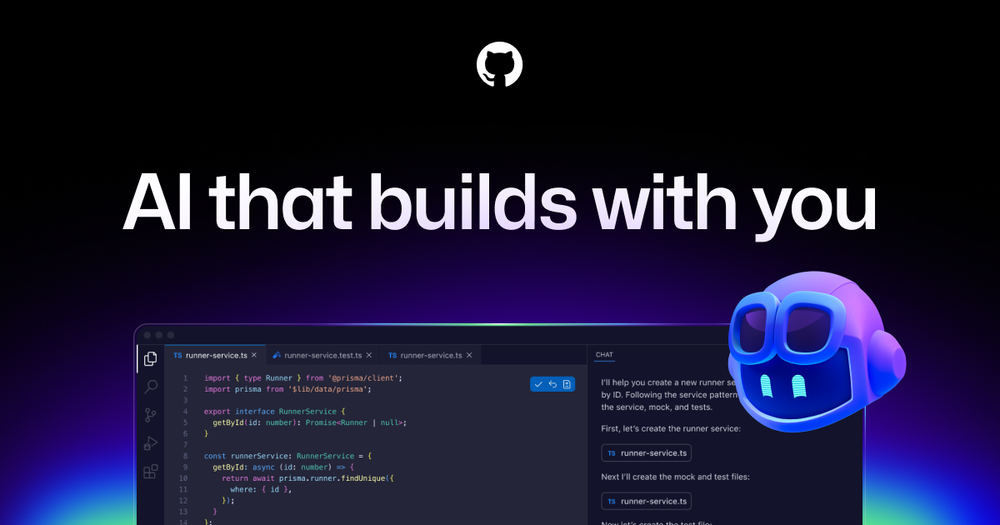
GitHub Copilot is GitHub's AI pair programmer that works inside VS Code, JetBrains IDEs, Visual Studio, Xcode and more, plus on GitHub itself.
- Best for: AI in your existing editor and on GitHub
- Pricing: Free plan at $0; Pro $10/month, Pro+ $39/month, Max $100/month
- Website: github.com/features/copilot
Key differences
- Editor: Cursor is its own editor. Copilot runs inside many editors.
- Pricing: Cursor has Free and Plus ($8/month) plans. Copilot has Free, Pro ($10/month), Pro+ ($39/month) and Max ($100/month).
- Best fit: Pick Cursor to go all in on an AI editor. Pick Copilot to add AI to your current setup and GitHub workflow.
Quick comparison
- Cursor: An AI-first editor experience. Free plan at $0/month; paid individual plans start with Plus at $8/month.
- GitHub Copilot: AI in your existing editor and on GitHub. Free plan at $0; Pro $10/month, Pro+ $39/month, Max $100/month.
Related guides
- The Best AI Coding Tools in 2026: 12 Picks for Every Workflow (our main guide)
- 6 Best AI Code Completion (Autocomplete) Tools in 2026
- Kiro vs Junie vs Cursor: Best AI IDEs for Structured Coding in 2026
- 8 Best GitHub Copilot Alternatives in 2026 (Free and Paid)
- Claude Code vs Cursor (2026): Which AI Coding Tool Should You Use?
- Cursor alternatives in 2026
- Browse all AI coding tools
FAQ
Is Cursor better than GitHub Copilot?
Neither is better for everyone. Cursor suits developers who want AI at the center of the editor. Copilot suits those who want to keep their current editor.
Which is cheaper, Cursor or Copilot?
Both have free plans. Cursor's paid individual plans start with Plus at $8/month, and Copilot Pro is $10/month.
Can I use GitHub Copilot inside Cursor?
Cursor has its own AI features, so most people use one or the other. Copilot is designed for editors like VS Code, JetBrains IDEs and Xcode.
Does Copilot work outside VS Code?
Yes. Copilot works in VS Code, JetBrains IDEs, Visual Studio, Xcode and more.