What is AnythingLLM?
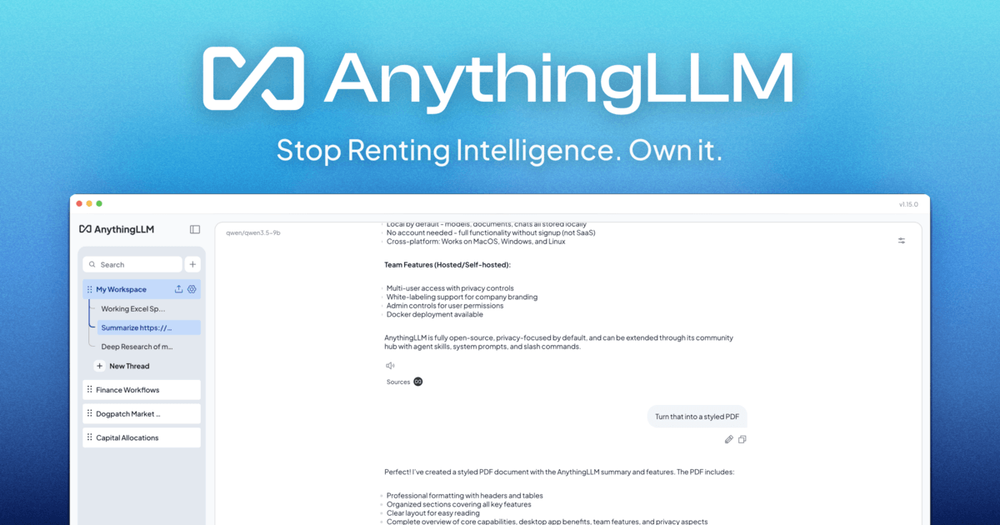
AnythingLLM is an open-source AI application by Mintplex Labs that lets you chat with your documents, run AI agents and use language models in one private workspace. The desktop app runs on your own computer and can work entirely with local models, so there are no accounts, API keys or token limits unless you choose a cloud provider. For teams, AnythingLLM can be self-hosted with Docker, adding multi-user support and permissions. It is popular as a private alternative to cloud chat assistants.
Key features
- Chat with documents: upload PDFs, text files, web pages and more for retrieval-augmented answers.
- Local or cloud models: use a built-in local model runner, connect tools such as Ollama or LM Studio, or plug in cloud providers.
- Workspaces: keep separate document sets and settings for different projects.
- AI agents: agents that can browse the web, use tools and run custom skills.
- Vector database options: a built-in vector store, with support for external vector databases.
- Multi-user (Docker): user management and permissions for self-hosted teams.
- Developer API and embeds: an API and embeddable chat widget.
- Desktop and mobile: desktop apps, plus a local-first mobile app.
Who is it for?
AnythingLLM is for privacy-conscious individuals, developers experimenting with local models, and small teams that want a self-hosted, ChatGPT-style assistant connected to their own documents.
Use cases
- Private Q&A over company documents
- Research assistants for PDFs and notes
- Testing and comparing local LLMs
- Internal chatbots embedded in websites
- Agents that combine search, files and tools
Pricing
The AnythingLLM desktop app is free and open source, and the self-hosted Docker version is free to run. A hosted cloud option is also offered. See the official AnythingLLM site for options.
What's new and trending
AnythingLLM v1.19.0 was released on October 26, 2026, following v1.18.0 on October 13, 2026 (release notes).
Getting started
- Download the desktop app from anythingllm.com, or run the Docker image for a server install.
- Choose an LLM provider, either a local model or a cloud API.
- Create a workspace.
- Upload documents or add web links.
- Start chatting, and enable agent skills when you need tools.
Alternatives
Open WebUI, LibreChat and LobeHub are other open-source chat interfaces. For running models locally, see Ollama, LM Studio, Jan and GPT4All, and for RAG pipelines, RAGFlow.
FAQ
Is AnythingLLM free? Yes. The desktop app and the self-hosted Docker version are free and open source.
Can AnythingLLM run fully offline? Yes, when you use local models and the built-in vector store.
Which models does AnythingLLM support? Local models through its built-in runner, Ollama or LM Studio, and many cloud providers.
Can teams use AnythingLLM? Yes. The Docker version supports multiple users and permissions.
Does AnythingLLM have agents? Yes. Agents can use tools such as web browsing and custom skills.