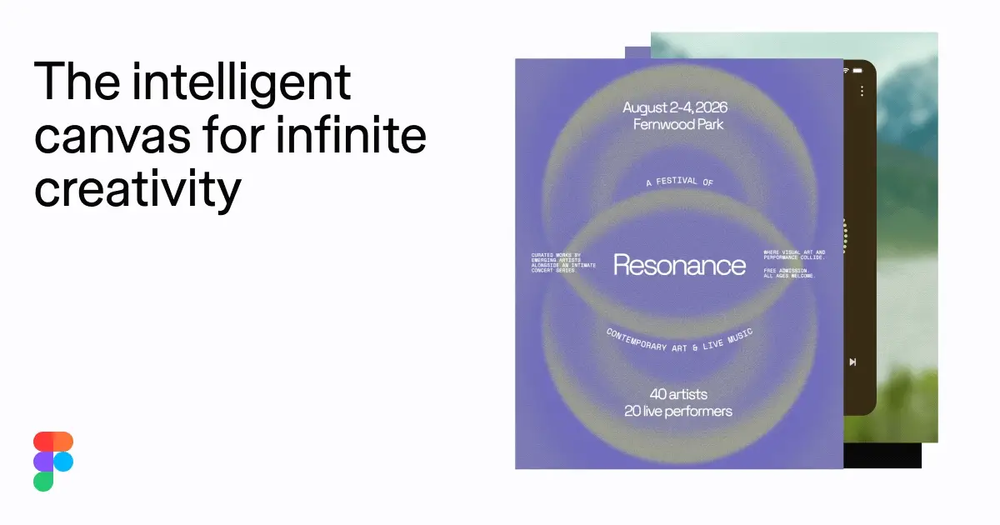
What is Figma?
Figma is a browser-based, collaborative platform for designing digital products. Designers create interfaces, components and prototypes together in real time, while developers inspect designs, copy code-ready values and track changes in Dev Mode. Figma has grown into a family of products, including FigJam for whiteboarding, Figma Slides, Figma Sites for publishing websites, Figma Make for AI prototyping and Figma Buzz for marketing assets. The Figma MCP server lets AI coding agents read design context directly.
Key features
- Design: vector editing, auto layout, components and variables.
- Prototyping: interactive flows and transitions for testing ideas.
- Real-time collaboration: multiple people editing, commenting and presenting together.
- Dev Mode: inspect designs, measurements and code snippets for handoff.
- Design systems: shared libraries of components and styles.
- AI features: Figma Make and AI tools for generating and editing designs.
- Figma MCP server: give AI agents design context from your files.
- More products: FigJam, Slides, Sites and Buzz.
Who is it for?
Figma is for product designers, UX researchers, developers, product managers and marketing teams. Developers mainly use Dev Mode and the MCP server to turn designs into code.
Use cases
- Designing web and mobile app interfaces
- Building and maintaining design systems
- Prototyping and user testing
- Design-to-code handoff for engineering
- Feeding design context to AI coding agents
Pricing
Figma has a free Starter plan with limited access to its products, and paid Professional, Organization and Enterprise plans with AI add-ons. See the official Figma pricing page for current details.
What's new and trending
On October 26, 2026, Figma made all video and image models available through Figma Weave accessible to AI agents via the Figma MCP, so with a connected Figma Weave account you can generate videos and images from your agent (release notes).
Getting started
- Sign up for free at figma.com.
- Create a design file or start from a community template.
- Build frames with auto layout and components.
- Share a prototype link for feedback.
- Invite developers to inspect designs in Dev Mode or connect the Figma MCP server to their coding agent.
Alternatives
Framer combines design and website publishing, and Chromatic handles visual testing for UI components built from your designs. v0 by Vercel, Bolt and Lovable generate working UIs from prompts, and shadcn/ui is a popular component system for building them.
FAQ
Is Figma free? Yes. The Starter plan is free with limited access. Paid plans add more features.
Does Figma run in the browser? Yes, and there are also desktop apps.
What is Dev Mode? A developer-focused view for inspecting designs and getting code-ready values.
What is the Figma MCP server? It lets AI coding agents read design context from Figma files.
Does Figma have AI? Yes. Figma Make and other AI features help generate and edit designs.