

What is Notion?
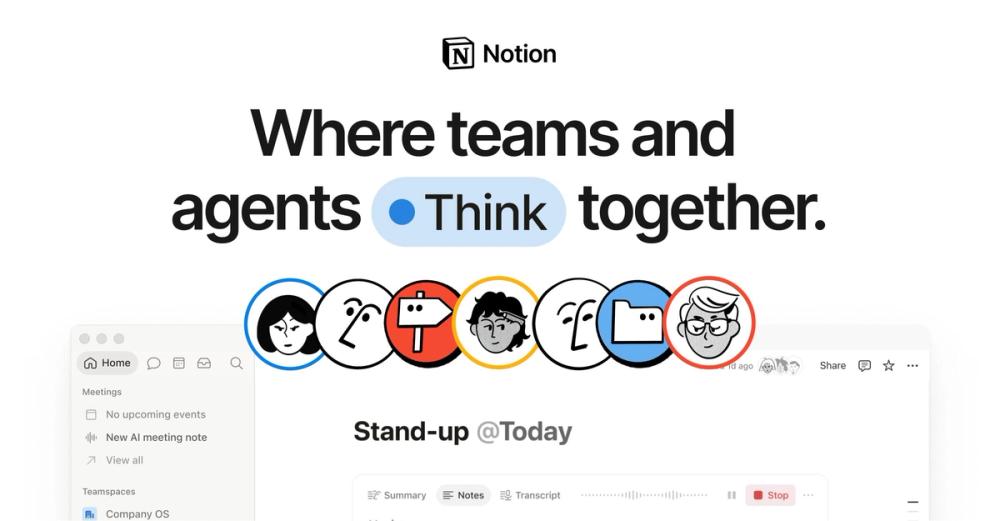
Notion is an all-in-one workspace where teams write documents, build wikis, manage projects and organize information in flexible databases. Everything is made of blocks that you can rearrange, link and turn into pages, so the same tool can hold meeting notes, a product roadmap and a company handbook. Notion AI is built in and can write, search across your workspace and connected apps, and run agents that complete multi-step tasks. Many developer teams use Notion for specs, documentation and planning.
Key features
- Docs and wikis: rich pages with headings, code blocks, embeds and comments.
- Databases: tables, boards, timelines, calendars and galleries with properties and relations.
- Projects and tasks: track work with templates for sprints, roadmaps and bug tracking.
- Notion AI and Agents: write, summarize, search and run agents that work across your workspace.
- Bring your own AI: Notion now supports bringing your own AI provider keys.
- Notion MCP: connect AI tools such as Claude or Cursor to your Notion workspace.
- Integrations and API: a public API plus integrations with Slack, GitHub, Jira and more.
- Sites: publish pages to the web.
Who is it for?
Notion is for individuals, startups and companies of every size who want docs, knowledge and projects in one place. Engineering teams use it for technical specs, onboarding docs, runbooks and lightweight planning.
Use cases
- Engineering wikis and onboarding guides
- Product specs and RFCs with comments
- Sprint and roadmap tracking in databases
- Meeting notes linked to projects
- A content source for websites through the API
Pricing
Notion has a Free plan for individuals, plus paid plans for teams and enterprises, and AI usage that depends on plan and credits. See the official Notion pricing page for current details.
What's new and trending
On October 19, 2026, Notion announced major upgrades to Notion AI: more capable Notion Agents with a rebuilt agent harness, a smarter Auto model option, bring-your-own-AI (BYOK), an improved Notion MCP, a new credit system, and an AI Command Center marked as coming soon (Notion releases).
Getting started
- Sign up for free at notion.com.
- Create a page or start from a template, such as an engineering wiki.
- Add a database to track tasks or docs.
- Invite teammates and set permissions.
- Try Notion AI to summarize pages or answer questions about your workspace.
Alternatives
Linear and Plane are focused project and issue trackers, while Shortcut suits software teams. For documentation sites, see Mintlify and ReadMe, and for open-source app building on data, NocoBase and Teable.
FAQ
Is Notion free? Yes, there is a Free plan for individuals. Teams use paid plans for more features and collaboration.
Does Notion have AI? Yes. Notion AI can write, summarize, search and run agents. Availability and limits depend on your plan.
Can developers use Notion's API? Yes. Notion has a public API and an MCP server for AI tools.
Is Notion good for engineering docs? Yes. Many engineering teams use it for specs, runbooks and onboarding.
Can I publish Notion pages? Yes. You can publish pages to the web as a site.


