

What is Raycast?
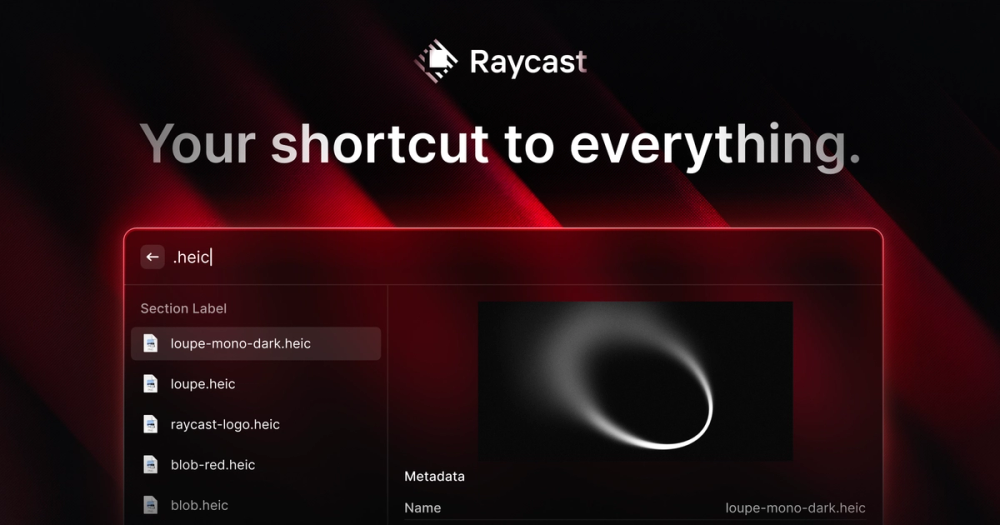
Raycast is a productivity launcher that replaces Spotlight on the Mac and also runs on Windows. Press a hotkey and you can open apps, search files, run commands and control your tools from one search bar. Its Store has thousands of community extensions, built with React and TypeScript, for services like GitHub, Linear, Jira and Notion. Raycast also includes built-in AI that can chat, run AI commands and work with your extensions.
Key features
- Launcher and search: open apps, files and commands quickly from the keyboard.
- Extensions Store: a large library of community extensions, and an API to build your own.
- Raycast AI: chat with AI models, run AI commands on selected text and use AI with extensions.
- Clipboard history: search everything you've copied.
- Snippets and quicklinks: expand text shortcuts and open saved URLs or searches.
- Window management: move and resize windows with shortcuts.
- Notes: quick notes available from anywhere.
- Teams: share extensions, snippets and quicklinks with colleagues.
Who is it for?
Raycast is popular with developers, designers and power users who live on the keyboard and want to cut down on context switching. The extension API makes it especially appealing to developers who want to automate their own workflows.
Use cases
- Opening pull requests, issues and tickets without leaving the keyboard
- Running scripts and developer utilities from the launcher
- Rewriting, translating or summarizing text with AI commands
- Managing windows and clipboard history
- Sharing team snippets and shortcuts
Pricing
Raycast's core launcher and extensions are free to use. Raycast Pro and team plans add features such as AI and cloud sync. See the official Raycast pricing page for current plans.
What's new and trending
Raycast v2.9 for macOS shipped on October 22, 2026. It added a "Send to AI Chat" action for Notes, a new Restart Frontmost App command and a Default option in the AI Commands model picker, and Raycast reports 50% faster Root Search and a 3x faster Search Screenshots (changelog).
Getting started
- Download Raycast from raycast.com.
- Set your hotkey (many people replace Spotlight with
Cmd + Space). - Browse the Store and install extensions for the tools you use.
- Turn on clipboard history and set up a few snippets.
- To build your own extension, run the "Create Extension" command and follow the developer docs.
Alternatives
For developer workflow tools on your Mac, see Warp, an AI-powered terminal, and Zed, a fast code editor. Here is a lightweight Mac clipboard app, and automation platforms like n8n and Gumloop cover cross-app workflows.
FAQ
Is Raycast free? Yes, the core app is free. Pro and team plans add AI and sync features.
Does Raycast work on Windows? Yes. Raycast offers a Windows app in addition to macOS, and an iOS app.
Can I build my own extensions? Yes. Extensions are built with React and TypeScript using the Raycast API.
Does Raycast replace Spotlight? Many users set Raycast to the Spotlight shortcut and use it as their main launcher.
Does Raycast include AI? Yes. Raycast AI offers chat and AI commands; check the pricing page for which plans include it.


