
Short answer: The best AI extensions for VS Code in 2026 are GitHub Copilot for built-in completions and chat, Cline for a free, open-source agent, Claude Code and OpenAI Codex for agentic tasks, Supermaven for fast autocomplete and SonarQube for IDE for quality and security checks as you type.
Last updated: October 26, 2026
Looking for the VS Code AI extensions worth trying this year? This guide covers 6 tools listed on TrendingDevTools, with what each one does, who it suits and its pricing or free tier, checked on each vendor's own site in October 2026.
How we picked these tools
Every tool here is listed on TrendingDevTools. We read each vendor's own website and pricing page for the plan details below. Where a vendor does not publish a number, we say so instead of guessing. Prices can change, so check the vendor's site before you buy.
1. GitHub Copilot
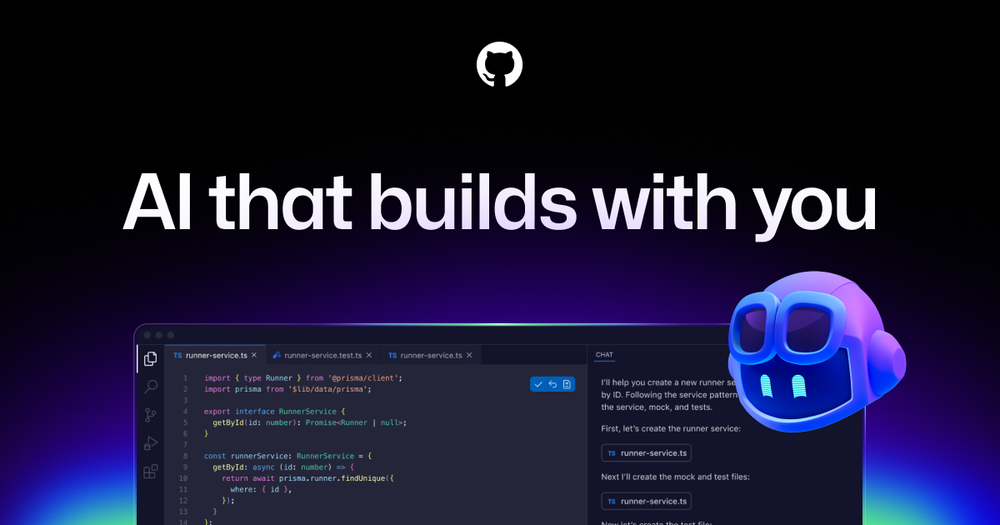
GitHub Copilot is GitHub's AI pair programmer that works inside VS Code, JetBrains IDEs, Visual Studio, Xcode and more, plus on GitHub itself.
- Best for: All-round AI help in VS Code
- Pricing: Free plan at $0; Pro $10/month, Pro+ $39/month, Max $100/month
- Website: github.com/features/copilot
2. Cline

Cline is an open-source (Apache-2.0) coding agent for VS Code with Plan and Act modes and support for many model providers.
- Best for: An open-source agent with any model
- Pricing: Free for individual developers; you pay your AI provider
- Website: cline.bot
3. Claude Code

Claude Code is Anthropic's agentic coding tool that reads your codebase, edits files, runs commands and can open pull requests.
- Best for: Handing off bigger tasks
- Pricing: Included with Claude Pro ($20/month, or $17/month billed yearly); not on the Free plan
- Website: www.claude.com/product/claude-code
4. OpenAI Codex
OpenAI Codex is OpenAI's coding agent that runs in the ChatGPT app, an IDE extension, the open-source Codex CLI and cloud tasks.
- Best for: ChatGPT users
- Pricing: Included in ChatGPT plans including Free, Go, Plus and Pro, with usage limits by plan
- Website: openai.com/codex
5. Supermaven
Supermaven is a fast AI code completion tool that adapts to your coding style.
- Best for: Fast, free autocomplete
- Pricing: Free tier at $0/month; Pro $10/month with a 1 million token context window; Team $10/month per user
- Website: supermaven.com
6. SonarQube

SonarQube is Sonar's code quality and security platform that checks bugs, vulnerabilities and security hotspots across 30+ languages.
- Best for: Catching bugs and security issues as you code
- Pricing: Free tier that never expires, a free SonarQube for IDE extension, and Team plans from $34/month
- Website: www.sonarsource.com
Quick comparison
- GitHub Copilot: All-round AI help in VS Code. Free plan at $0; Pro $10/month, Pro+ $39/month, Max $100/month.
- Cline: An open-source agent with any model. Free for individual developers; you pay your AI provider.
- Claude Code: Handing off bigger tasks. Included with Claude Pro ($20/month, or $17/month billed yearly); not on the Free plan.
- OpenAI Codex: ChatGPT users. Included in ChatGPT plans including Free, Go, Plus and Pro, with usage limits by plan.
- Supermaven: Fast, free autocomplete. Free tier at $0/month; Pro $10/month with a 1 million token context window; Team $10/month per user.
- SonarQube: Catching bugs and security issues as you code. Free tier that never expires, a free SonarQube for IDE extension, and Team plans from $34/month.
Related guides
- The Best AI Coding Tools in 2026: 12 Picks for Every Workflow (our main guide)
- Cursor vs GitHub Copilot (2026): Features, Pricing and Which to Pick
- 5 Best Cloud Coding Agents for Background Tasks in 2026
- 6 Best AI Code Completion (Autocomplete) Tools in 2026
- Kiro vs Junie vs Cursor: Best AI IDEs for Structured Coding in 2026
- Cursor alternatives in 2026
- Browse all AI coding tools
FAQ
What is the best AI extension for VS Code?
GitHub Copilot is the most common choice. Cline is a strong free, open-source alternative if you want to bring your own model.
Are there free AI extensions for VS Code?
Yes. GitHub Copilot has a Free plan, Supermaven has a free tier, Cline is free and open source, and SonarQube for IDE is a free extension.
Can I use more than one AI extension at once?
Yes, but two autocomplete tools can conflict. Many developers use one for completions and another, like Cline or Claude Code, for agent tasks.
Should I switch to Cursor instead of using extensions?
Cursor is built on the VS Code experience, so switching is easy. If you prefer to keep plain VS Code, these extensions cover most of the same features.