

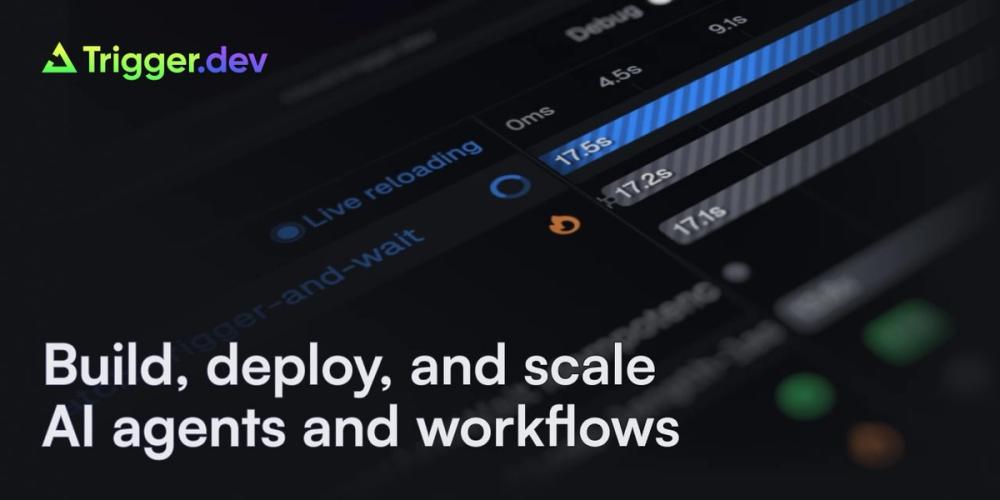
What is Trigger.dev?
Trigger.dev is an open-source platform for writing long-running background tasks and AI agents in TypeScript. You write tasks as normal async code inside your existing project, and Trigger.dev runs them on managed infrastructure that handles queuing, retries, concurrency and observability. Because tasks can run for a long time without serverless timeouts, it is a good fit for AI workflows, media processing and other jobs that do not belong in a web request. You can use Trigger.dev Cloud or self-host it.
Key features
- Tasks in your codebase: define tasks in TypeScript next to your app code and trigger them from anywhere.
- No timeouts: long-running work such as LLM calls, video processing or large imports can run to completion.
- Retries and queues: automatic retries with backoff, concurrency limits and queues.
- Scheduling: cron-style scheduled tasks.
- Waits and human-in-the-loop: pause tasks to wait for time, events or approvals.
- Realtime: stream task progress and AI output to your frontend.
- Observability: a dashboard with logs, traces and run history for every task.
- Build extensions: add system packages such as FFmpeg, Puppeteer or Python to your task environment.
Who is it for?
Trigger.dev is for TypeScript developers who need reliable background processing without running their own queue and worker infrastructure, and for teams building AI agents and multi-step workflows on serverless platforms that impose short time limits.
Use cases
- AI agents and LLM pipelines that run for minutes
- Video, audio and image processing with FFmpeg
- Sending emails and notifications in the background
- Syncing data from third-party APIs on a schedule
- Generating PDFs or reports on demand
Pricing
Trigger.dev has a free tier and paid plans based on compute usage and features, and the open-source version can be self-hosted. See the official Trigger.dev pricing page for current details.
What's new and trending
Trigger.dev v4.8.0 was released on October 23, 2026, followed the same day by the v4.8.1 patch and an updated Helm chart for self-hosting (release notes).
Getting started
- Sign up at trigger.dev and create a project.
- Run
npx trigger.dev@latest initin your existing app. - Write your first task in the generated
triggerfolder. - Start the local dev server with
npx trigger.dev@latest devand trigger a test run. - Deploy your tasks with
npx trigger.dev@latest deploy.
Alternatives
Inngest is the closest alternative for durable functions in your codebase, and Temporal is a widely used durable execution engine. Upstash offers QStash and Workflow for serverless messaging, while Windmill and Kestra are open-source workflow orchestrators.
FAQ
Is Trigger.dev open source? Yes. Trigger.dev is open source and can be self-hosted, and there is also a managed cloud.
Do Trigger.dev tasks have timeouts? Tasks are designed for long-running work and are not limited by typical serverless function timeouts.
Which languages does Trigger.dev support? Tasks are written in TypeScript. Build extensions let you call tools such as Python scripts from tasks.
Is Trigger.dev free? There is a free tier, and paid plans are based on usage. See the pricing page for current limits.
Can Trigger.dev run AI agents? Yes. It is commonly used for AI agents and LLM workflows, with retries, waits and realtime streaming.


