

What is UptimeRobot?
UptimeRobot is an uptime monitoring service that tracks websites, APIs, servers, and scheduled jobs in real time and alerts users when something breaks. It combines website, keyword, ping, port, cron, and DNS record monitoring with branded public status pages and 20+ integrations, and offers 50 monitors for free to more than 3.4 million users.
Key Features
- Website monitoring: Checks any HTTP or HTTPS endpoint or page and reports availability in real time, so downtime is caught before users notice it.
- Keyword monitoring: Alerts when a specified keyword appears or disappears on a page, useful for detecting broken content or unexpected changes.
- Ping monitoring: Confirms that a server or any device on the network is reachable and always available.
- Port monitoring: Verifies services running on specific TCP ports, such as SMTP, POP3, and FTP.
- Cron job monitoring: Reports when a scheduled job fails or goes missing, covering background tasks that standard uptime checks cannot see.
- DNS record monitoring: Catches unauthorized DNS changes early.
- Public status pages: Creates branded, real-time status pages with custom domains, incident history, automatic monitor embedding, and password protection or private pages, without additional tools.
- Multi-location checks and response time alerts: Verifies uptime from multiple global locations to eliminate false positives and alerts when response times exceed custom thresholds.
- Incident management and team access: Tracks, prioritizes, and resolves incidents with notes, timelines, and status updates, backed by role-based permissions that control who can edit monitors, view alerts, or manage integrations.
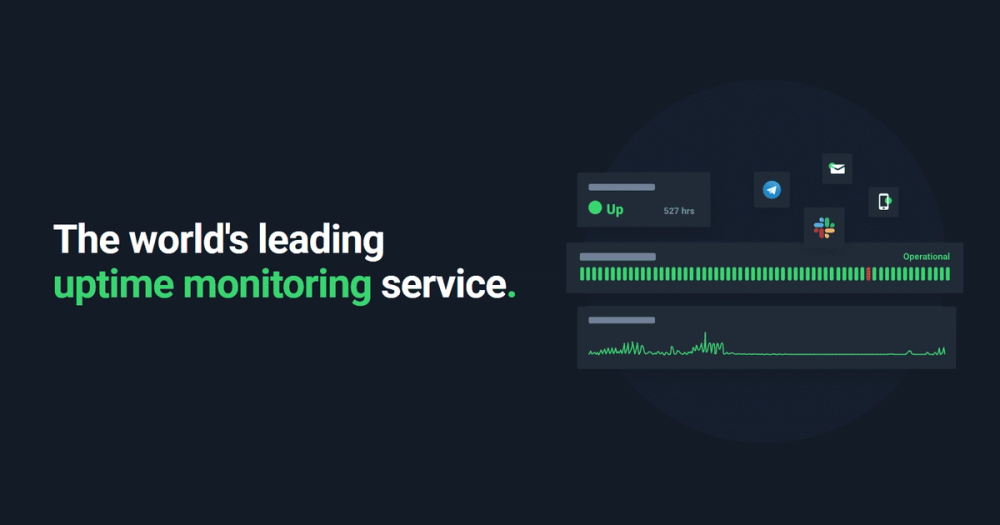
- Integrations and alerts: Delivers real-time alerts by email, SMS, Slack, and more through 20+ integrations, with a web and mobile app plus a documented API.
Use Cases
- Web and API teams: Monitor HTTP endpoints and APIs from multiple global locations and publish a branded status page so users stay informed and support tickets drop during incidents.
- DevOps and IT operations: Combine ping, port, and cron job monitoring to cover servers, network devices, and scheduled tasks in one dashboard with role-based access for the team.
- Marketing and content sites: Use keyword monitoring to detect when critical content disappears or changes unexpectedly, and DNS monitoring to catch unauthorized record changes.
- Customer-facing SaaS products: Share real-time uptime, incident, and maintenance updates through public status pages with custom domains and branding.
- Enterprise operations: Teams needing more than 500 monitors can use enterprise options including SLA reporting, SOC 2, DPA and MSA, custom invoicing, PO and net terms, onboarding, and a dedicated customer success manager.
Who It Is For
UptimeRobot targets developers, DevOps engineers, IT service delivery teams, and product organizations that need to know when a website, API, server, or scheduled job fails. It suits small teams that want fast setup and a free tier as well as larger organizations that require status pages, granular team permissions, and enterprise compliance terms.
Pricing
UptimeRobot offers a free tier that includes 50 monitors, and paid plans are available for users who need more capacity. Organizations requiring more than 500 monitors can book an Enterprise demo that covers SLA reporting, SOC 2, DPA and MSA, custom invoicing, and dedicated support.
Frequently Asked Questions
What is UptimeRobot used for?
UptimeRobot is used to monitor the uptime and availability of websites, APIs, servers, ports, DNS records, and cron jobs. It sends real-time alerts when something breaks and can publish branded status pages to keep users informed.
Is UptimeRobot free?
UptimeRobot offers a free tier that includes 50 monitors, 20+ integrations, real-time alerts, and public status pages. Paid and enterprise options exist for teams that need more than the free allowance.
What can UptimeRobot monitor besides websites?
UptimeRobot monitors keywords on pages, ping responses from servers and network devices, specific TCP ports such as SMTP, POP3, and FTP, cron jobs that fail or go missing, and DNS records for unauthorized changes.
How does UptimeRobot send alerts?
UptimeRobot sends real-time alerts by email, SMS, Slack, and more through 20+ integrations, and alerts are also available in its web and mobile apps.
Who should use UptimeRobot?
UptimeRobot suits developers, DevOps engineers, and IT teams that need fast setup and broad monitoring coverage, from indie projects using the free tier to enterprises requiring SLA reporting, SOC 2, and dedicated support.


