

What is Zed?
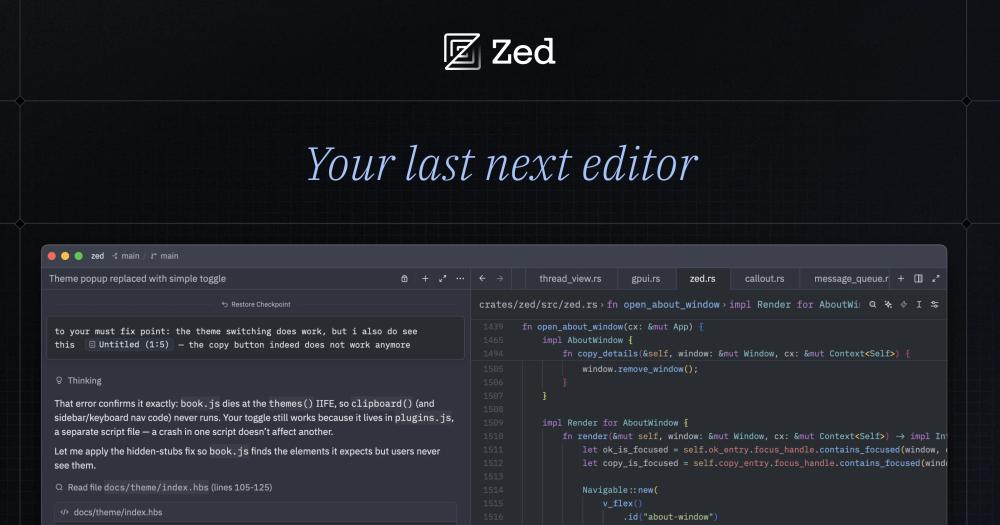
Zed is a code editor built from scratch in Rust by the team that originally created Atom and Tree-sitter. It uses GPU-accelerated rendering to stay fast even on large projects, and it was designed for multiplayer collaboration from the start. Zed also integrates AI deeply, with an agent panel, edit predictions and support for external agents. The editor is open source and runs on macOS, Linux and Windows.
Key features
- Performance: native Rust code and GPU rendering for fast startup, typing and scrolling.
- Agentic editing: an agent panel that can read and edit your codebase with models you choose.
- External agents: support for running agents such as Claude's agent, Gemini CLI and Codex CLI through the Agent Client Protocol.
- Edit predictions: AI suggestions for your next edit.
- Collaboration: share projects, edit together in real time and talk through built-in channels.
- Language support: Tree-sitter syntax and Language Server Protocol support for many languages.
- Extensions: themes, languages and tools from the extension gallery.
- Vim mode, terminal and Git: built in.
Who is it for?
Zed is for developers who want a fast, minimal editor with modern AI features, teams who pair program, and people moving from VS Code, Sublime Text or Vim who care about responsiveness.
Use cases
- Everyday coding in Rust, TypeScript, Python, Go and more
- Pair programming and code reviews with shared projects
- Agent-assisted refactoring and feature work
- Working in very large repositories where speed matters
- Using your own model provider keys or local models for AI features
Pricing
The Zed editor is free and open source. Zed offers paid plans for its hosted AI features, and you can also bring your own API keys. See the official Zed pricing page for current plans.
What's new and trending
Zed releases stable and preview builds every week. Stable v1.25.3 and preview v1.26.2-pre were both released on October 23, 2026 (release notes).
Getting started
- Download Zed for your platform from zed.dev/download.
- Open a project folder and let Zed install language servers.
- Import keybindings from VS Code, JetBrains, Sublime Text or Vim if you prefer.
- Configure an AI provider in the agent panel.
- Read the getting started guide for settings and extensions.
Alternatives
Cursor is an AI-first editor based on VS Code, and GitHub Copilot adds AI to many editors. Kiro and Google Antigravity are newer agentic IDEs, while terminal-based options include Claude Code, Aider and OpenCode.
FAQ
Is Zed free? Yes. The editor is free and open source; paid plans cover hosted AI usage.
Does Zed run on Windows? Yes. Zed supports macOS, Linux and Windows.
Can I use my own AI models in Zed? Yes. You can add API keys from providers or connect local models.
What makes Zed fast? It is written in Rust and renders the UI on the GPU.
Does Zed support Vim keybindings? Yes. Zed includes a built-in Vim mode.


