Short answer: The best AI coding tools for beginners and students in 2026 are GitHub Copilot Free and Cursor's Free plan for learning inside a real editor, OpenAI Codex, which is included in ChatGPT Free, and Google Antigravity at $0 for individuals. Bolt.new and v0 let you build a working web app from a prompt on free plans.
Last updated: October 26, 2026
Looking for the AI coding tools for beginners worth trying this year? This guide covers 7 tools listed on TrendingDevTools, with what each one does, who it suits and its pricing or free tier, checked on each vendor's own site in October 2026.
How we picked these tools
Every tool here is listed on TrendingDevTools. We read each vendor's own website and pricing page for the plan details below. Where a vendor does not publish a number, we say so instead of guessing. Prices can change, so check the vendor's site before you buy.
1. GitHub Copilot
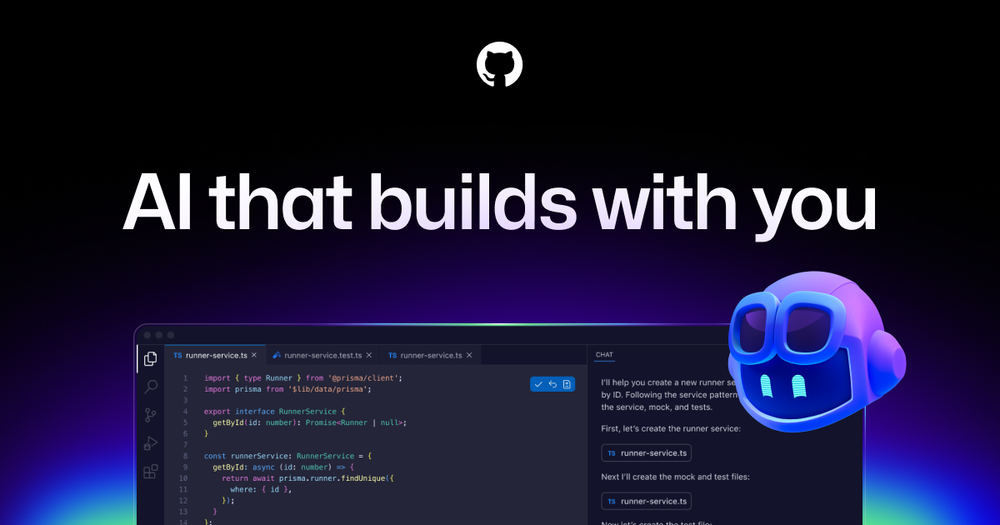
GitHub Copilot is GitHub's AI pair programmer that works inside VS Code, JetBrains IDEs, Visual Studio, Xcode and more, plus on GitHub itself.
- Best for: Learning with AI hints in VS Code
- Pricing: Free plan at $0; Pro $10/month, Pro+ $39/month, Max $100/month
- Website: github.com/features/copilot
2. Cursor
Cursor is an AI-first code editor built on the VS Code experience, with agent mode, chat and Tab autocomplete across your whole project.
- Best for: A free AI editor to learn in
- Pricing: Free plan at $0/month; paid individual plans start with Plus at $8/month
- Website: cursor.com
3. OpenAI Codex
OpenAI Codex is OpenAI's coding agent that runs in the ChatGPT app, an IDE extension, the open-source Codex CLI and cloud tasks.
- Best for: Students who already use ChatGPT
- Pricing: Included in ChatGPT plans including Free, Go, Plus and Pro, with usage limits by plan
- Website: openai.com/codex
4. Google Antigravity
Google Antigravity is Google's agent-first development platform with an app, CLI, IDE and SDK for running coding agents.
- Best for: Trying coding agents for free
- Pricing: $0/month for individuals
- Website: antigravity.google
5. Bolt.new

Bolt.new is an AI app and website builder that runs in the browser with hosting and databases included.
- Best for: Building a first web app without setup
- Pricing: Free forever with 1M tokens per month and daily limits; Pro from $18/month billed annually
- Website: bolt.new
6. v0
v0 is Vercel's AI app builder that turns prompts into working web apps you can edit visually, sync with GitHub and deploy to Vercel.
- Best for: Making a first UI from a prompt
- Pricing: Free plan at $0/month with a 7 message per day limit; Plus $30 per user per month
- Website: v0.app
7. Zed
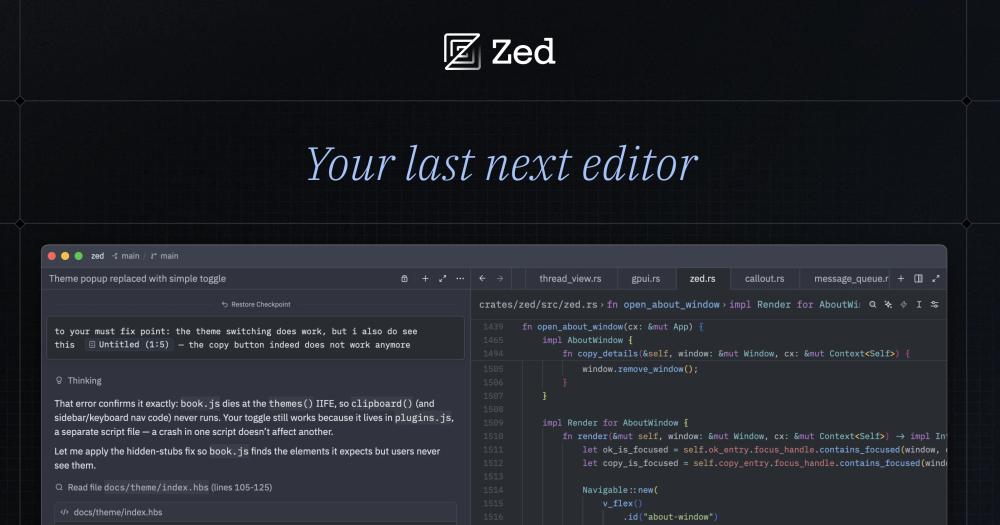
Zed is a fast, open-source code editor written in Rust with built-in AI agent features and multiplayer collaboration.
- Best for: A free, fast editor to grow into
- Pricing: Free forever with your own API keys; Pro $10/month
- Website: zed.dev
Quick comparison
- GitHub Copilot: Learning with AI hints in VS Code. Free plan at $0; Pro $10/month, Pro+ $39/month, Max $100/month.
- Cursor: A free AI editor to learn in. Free plan at $0/month; paid individual plans start with Plus at $8/month.
- OpenAI Codex: Students who already use ChatGPT. Included in ChatGPT plans including Free, Go, Plus and Pro, with usage limits by plan.
- Google Antigravity: Trying coding agents for free. $0/month for individuals.
- Bolt.new: Building a first web app without setup. Free forever with 1M tokens per month and daily limits; Pro from $18/month billed annually.
- v0: Making a first UI from a prompt. Free plan at $0/month with a 7 message per day limit; Plus $30 per user per month.
- Zed: A free, fast editor to grow into. Free forever with your own API keys; Pro $10/month.
Related guides
- The Best AI Coding Tools in 2026: 12 Picks for Every Workflow (our main guide)
- 6 Best AI Testing and Test Generation Tools in 2026
- Cursor vs GitHub Copilot (2026): Features, Pricing and Which to Pick
- 5 Best Cloud Coding Agents for Background Tasks in 2026
- 6 Best AI Code Completion (Autocomplete) Tools in 2026
- Cursor alternatives in 2026
- Browse all AI coding tools
FAQ
What is the best AI coding tool for beginners?
GitHub Copilot Free inside VS Code is an easy start. If you want to build an app without setting anything up, try Bolt.new or v0.
Can students use AI coding tools for free?
Yes. GitHub Copilot, Cursor, Bolt.new and v0 have free plans, Google Antigravity is $0 for individuals, and Codex is included in ChatGPT Free.
Will AI coding tools stop me from learning to code?
Only if you accept code you do not understand. Ask the AI to explain its changes and try to write parts yourself first.
Do I need to install anything to start?
Not always. Bolt.new and v0 run in the browser. Editors like Cursor and Zed need a download.