
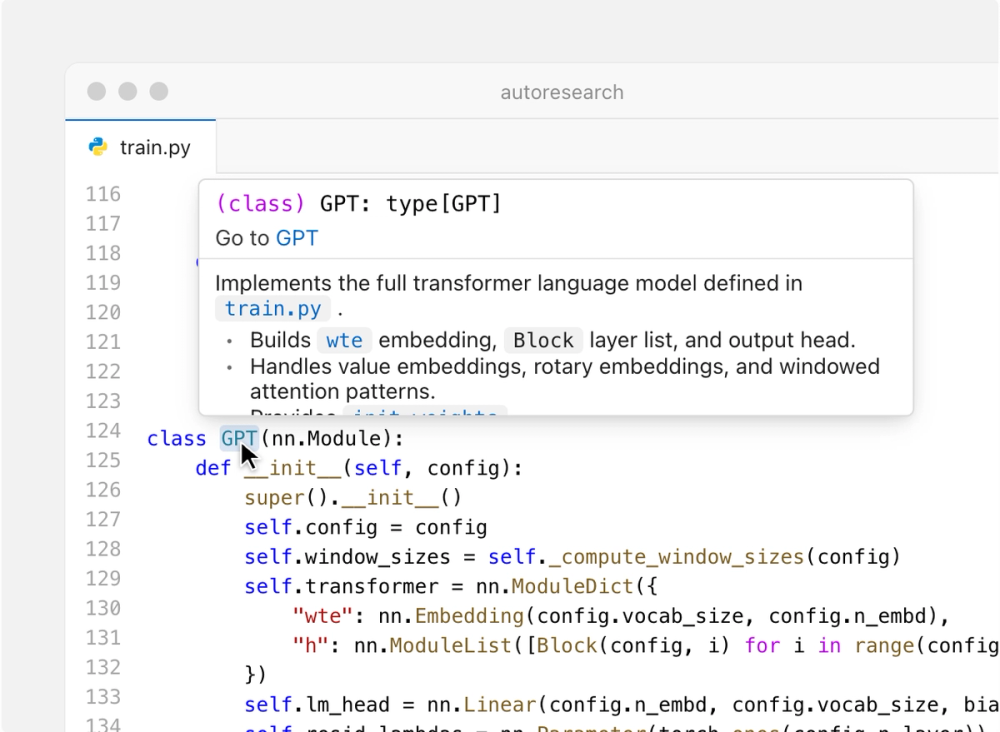
What is Devin Desktop?
Devin Desktop is Cognition’s desktop AI coding environment and the renamed successor to Windsurf. It combines a full IDE with a command center for managing local and cloud coding agents. The practical idea is simple: keep the editor available for reading, tracing, debugging, and last-mile changes, while using one surface to plan work, delegate tasks, review results, and move completed changes toward shipping.
Best for
Devin Desktop is best for developers who want an agent-first workflow without giving up a conventional code editor. The official product page describes a full IDE with syntax highlighting, autocomplete, and debugging tools. The official announcement also says the editor, extensions, keybindings, language servers, and workflows remain part of the product and are backwards-compatible with Windsurf and VS Code. That makes it a sensible fit for people migrating from Windsurf or VS Code configurations rather than starting with a blank, unfamiliar environment.
It is especially relevant to engineers who regularly split work into parallel tasks. The Agent Command Center brings local sessions and cloud Devin sessions into one view, with filtering, sorting, grouping, folders, child sessions, and status-oriented session management. Spaces provide a way to group sessions, pull requests, files, and shared context. A local session can stay close to the repository and developer machine, while Devin Cloud can continue work on its own VM after the laptop is closed. Review remains inside the editor: the official documentation says users can jump back from the command center to the editor for manual, last-mile edits.
Devin Desktop also supports the Agent Client Protocol (ACP). Cognition’s launch announcement names Codex, Claude Agent, OpenCode, and other ACP-compatible agents, including agents built in-house, as supported at launch. This makes the product more than a single-model chat panel: it is a desktop surface for coordinating compatible agents, although availability and behavior can vary by agent and account.
Alternatives
- Cursor — a direct alternative for developers seeking an AI-first desktop editor with built-in agents. Cursor’s official site describes agents that build software, run autonomously, work in parallel, and operate across desktop, CLI, web, and other surfaces. The distinction is that Devin Desktop emphasizes a command center for local and cloud agents plus the existing IDE, while Cursor emphasizes its own agentic editor and cloud-agent workflow.
- GitHub Copilot — an adjacent alternative for teams already organized around GitHub issues, pull requests, and repository workflows. GitHub’s official page describes Copilot as an AI coding agent available through its desktop app, CLI, VS Code and other IDE surfaces, with parallel sessions, cloud work, code review, and pull-request workflows. It is comparable for delegated coding and review, but it is a broader GitHub service rather than a single desktop IDE command center.
- Zed — a direct editor alternative for users who value a fast native code editor and multi-agent interoperability. Zed’s official AI page describes agentic editing, real-time follow-along, editable diffs, and ACP connections for agents such as Claude Agent, Codex, and OpenCode. It overlaps with Devin Desktop on editor-based agent work and ACP, while differing in its open-source, performance-focused editor orientation.
Pricing
The official Devin Desktop pages consulted here do not publish a standalone current price for the desktop application. They state that an existing Devin Desktop plan carries the user’s plan and pricing through the Windsurf-to-Devin Desktop update, and that Devin Cloud is included with self-serve Pro, Max, and Teams plans. Cloud work consumes the shared quota and extra-usage balance. Enterprise access and controls may require an administrator. Because the official pages do not establish one universal current price for every user or region, prospective users should check the official pricing and account surfaces before treating any amount as definitive.
The official download and getting-started documentation list Mac, Windows, and Linux support. The download page gives Windows 10 (64-bit) as a minimum for Windows and lists Linux requirements including glibc 2.28 and glibcxx 3.4.25; the documentation also provides package-manager instructions. Exact model limits, credit rates, and usage quotas are plan-dependent and are not restated here beyond the official shared-quota description.
FAQs
1. Is Devin Desktop a new product or the renamed Windsurf app?
It is the new name for Windsurf. Cognition says the rename keeps the IDE, extensions, workflows, settings, and in-progress work, while placing the Agent Command Center, Spaces, and multi-agent management at the center of the experience.
2. Can Devin Desktop run agents locally and in the cloud?
Yes. The official Agent Command Center documentation distinguishes local agents running in the editor from cloud Devin sessions running on their own virtual machines. Devin Cloud can continue working after the laptop is closed, subject to account access and rollout conditions.
3. Which operating systems can install Devin Desktop?
The official download page lists Mac, Windows, and Linux downloads. Windows support includes x64 and arm64 downloads, while Linux has a download plus apt and rpm installation paths. Check the current requirements before installing because OS support and package details can change.
4. Can I use agents other than Devin inside the desktop app?
The launch announcement says Devin Desktop supports the Agent Client Protocol and names Codex, Claude Agent, OpenCode, and other ACP-compatible agents, including in-house agents. The exact setup and capability set depends on the agent and its ACP compatibility.
5. Does Devin Desktop replace the editor, or can I still edit code manually?
It keeps the editor. The official product page describes syntax highlighting, autocomplete, and debugging, and the Agent Command Center documentation says it is integrated with the editor rather than replacing it. Users can return to a session and make manual last-mile edits.